Access rules stay on the server.
Your app’s rules determine which records people can read and change. They are enforced behind the interface.
Apps on Apphaven
A useful tool, a place for your community, a better way to get something done. Build it with your agent, give it a home on Apphaven, and let people take it with them.
Start your appFree to build and test. Live from $29/month.
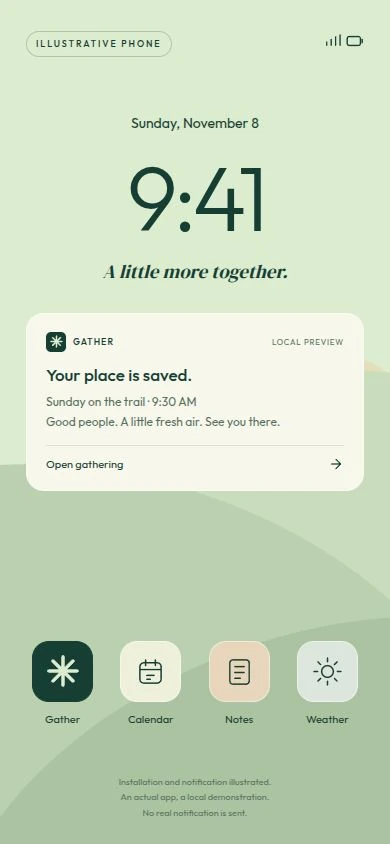
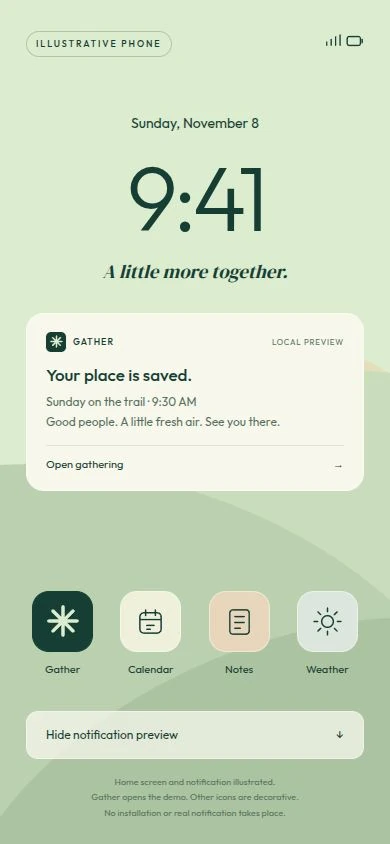
Home screen and notification illustrated.
A web app, made personal
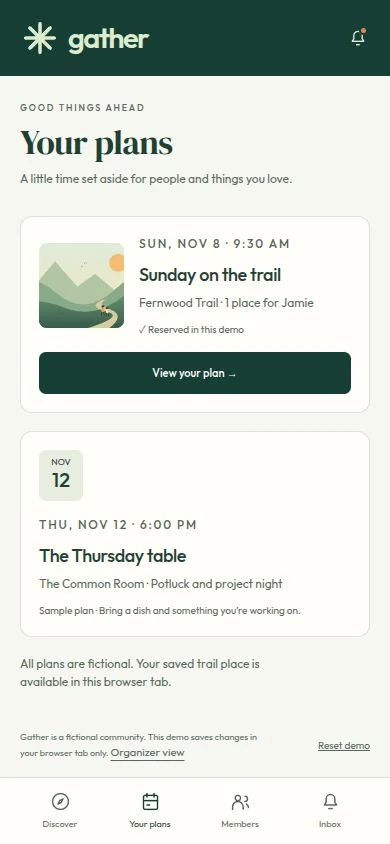
An Apphaven app can be a progressive web app, or PWA. People open it from a link and can add it to their phone’s home screen. It opens in its own app window, with your name, your icon, and your experience.
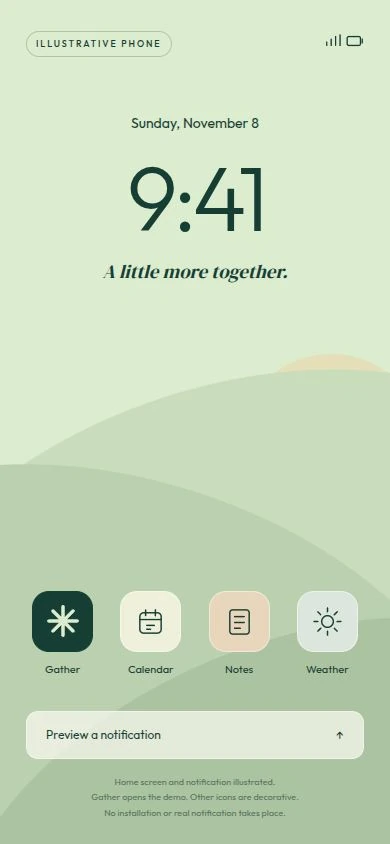
Illustrative home screen
Share its address. People can start in their browser.
On iPhone, use Share, then Add to Home Screen. On Android, use the browser’s install option.
Open it from its icon. Sign in, pick up where you left off, and turn on useful notifications.
Your agent adds the installable experience. Installation and available features depend on the browser and device. App Store submission is not required.
01 / Built around what people do
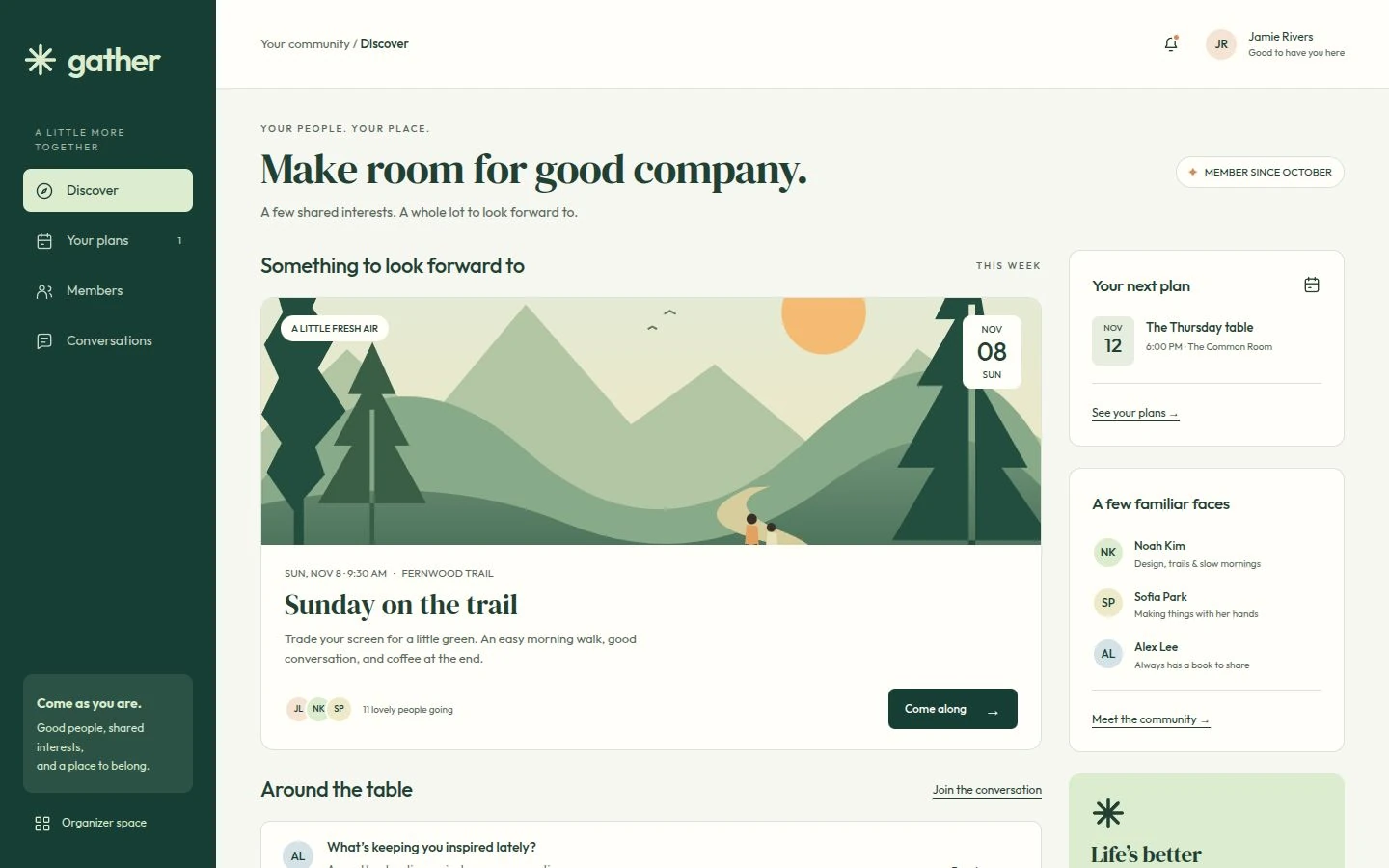
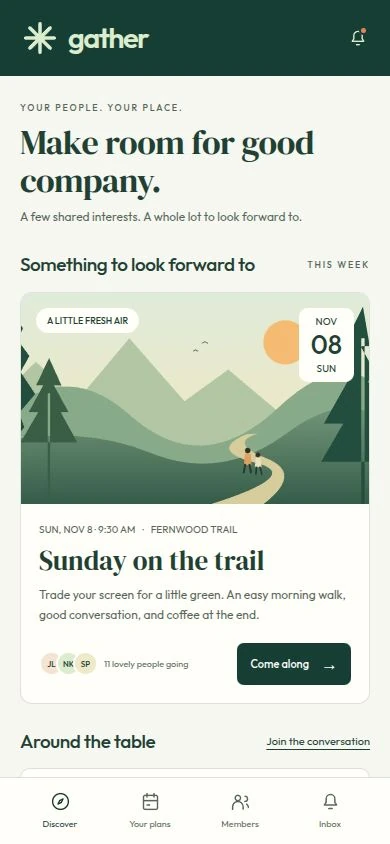
Accounts that remember people. Data that stays saved. Rules about who can see and change it. Apphaven supplies the services your agent builds on.
02 / Useful even when it’s closed
A booking is confirmed. A request is ready. Something needs your attention. Your app can send a notification to the people who turned them on.
A tap takes them to the relevant place in the app. Apphaven handles sending the notification; your agent connects it to what happens in your app.
On iPhone and iPad, notifications require iOS or iPadOS 16.4 or later, adding the app to the home screen, and permission. Notification delivery depends on the device and browser.
03 / A standard to build to
Your agent brings the idea to life. Apphaven supplies the utilities and checks each version, including details you shouldn’t have to know to ask for.
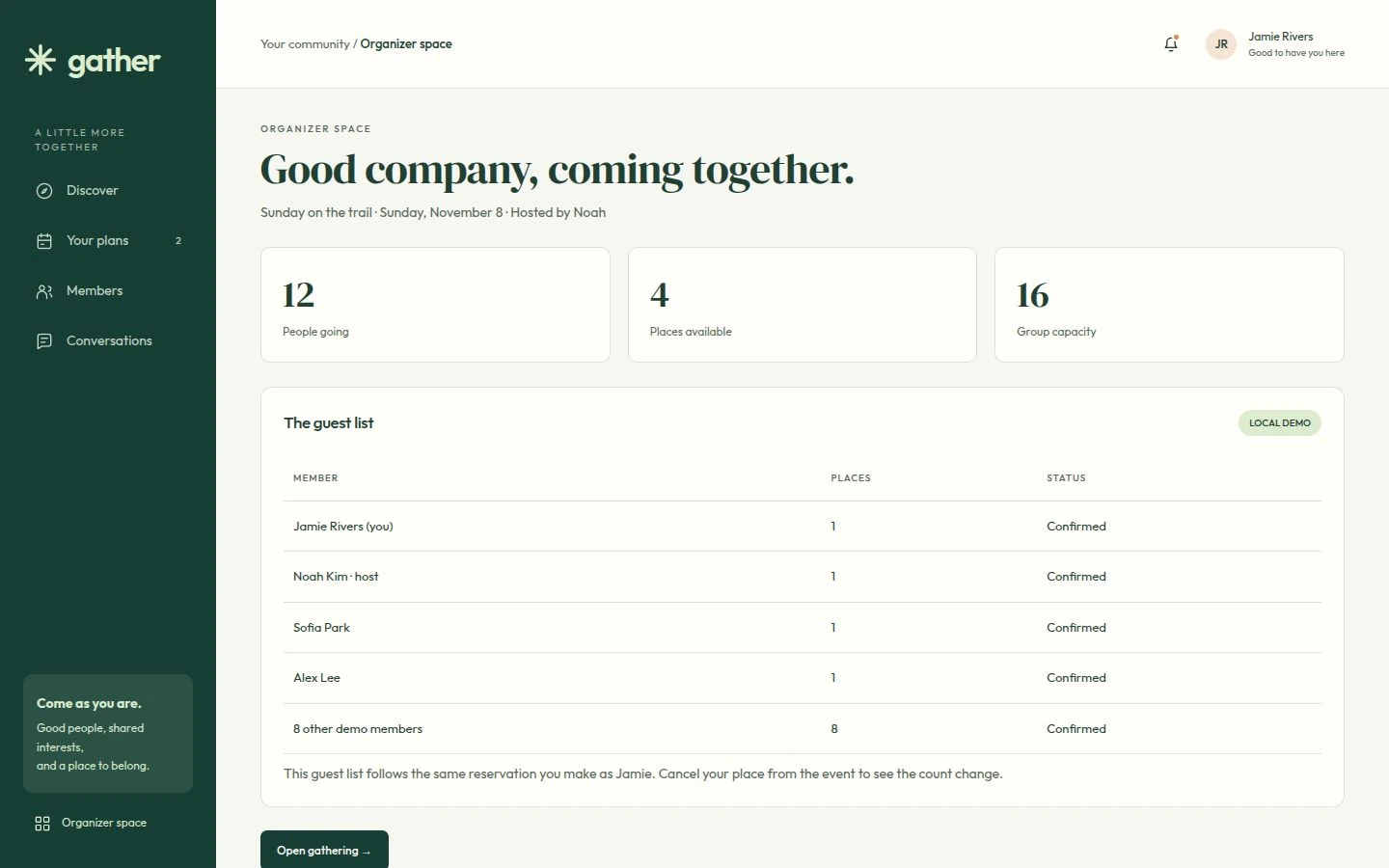
Your app’s rules determine which records people can read and change. They are enforced behind the interface.
Your private test version has separate accounts and data, so you and your agent can check the next idea.
You publish first. Later changes go live when you ask. Changes that would delete live data wait for your approval.
“Who’s coming, and how many places are left?”
04 / Build it. Run it. Make it better.
Ask Viceroy to look up a booking, help manage your records, or investigate a problem. Its ongoing conversation lives with your app in Apphaven, alongside the tools to run it. Your connected agent can help with the work, too.
When you have the next idea, keep building. Add a waiting list, change the sign-up flow, or create a new view. The same home supports what comes next.
One home, more possibilities
Your public pages and your app can share one address. Let people discover what you offer, then sign in and get involved.
Explore WebsitesYour next idea starts here
Tell Viceroy what you have in mind, or start with your own agent. Build and test privately, then choose a plan when you’re ready to go live.
Free to build and test. See the plans.
A website and an app can share one home on Apphaven.
Explore Websites